


If you activate our endereco plugin for address validation in your Plentymarkets installation,
- you can integrate it via the event actions in such a way that it integrates optimally into your processes.
- It can also be used in the Ceres webshop.
We will show you the correct settings for operation in various scenarios.
Scenario 1: Operation in the Plenty webshop and in order processing
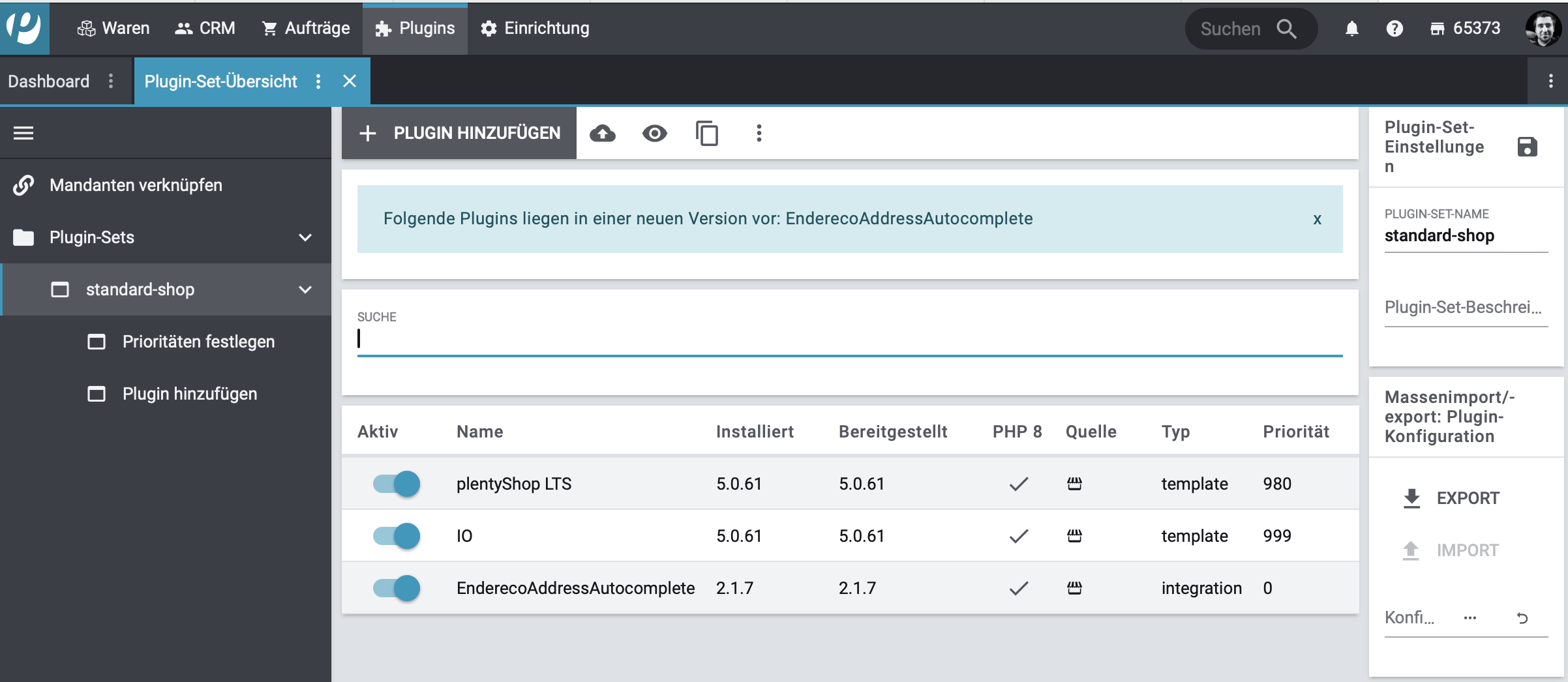
- Activate the plugin in the plugin sets of your store.
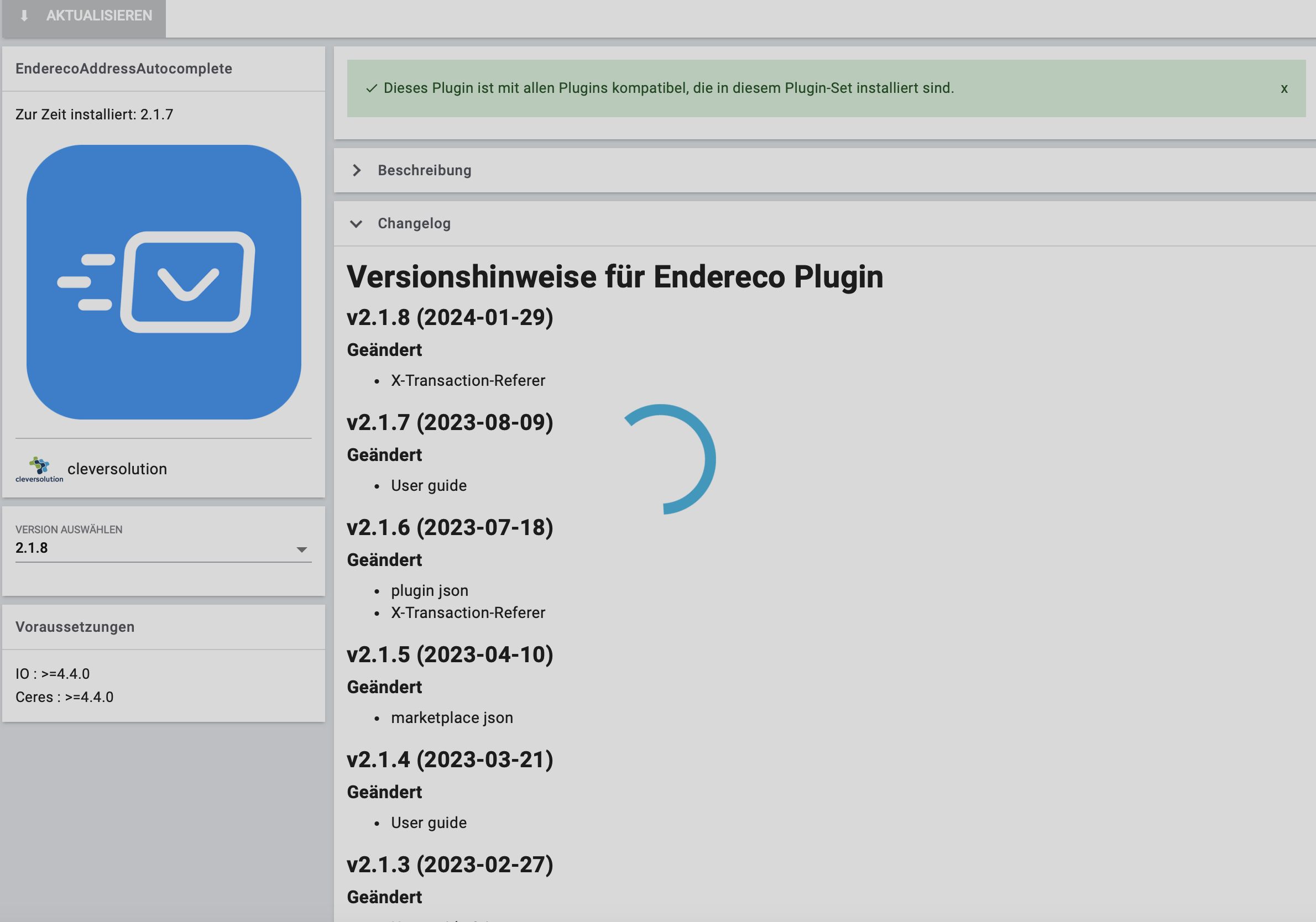
2. update the plugin and make sure that it is compatible with your version of PlentyMarkets and your Ceres webshop.

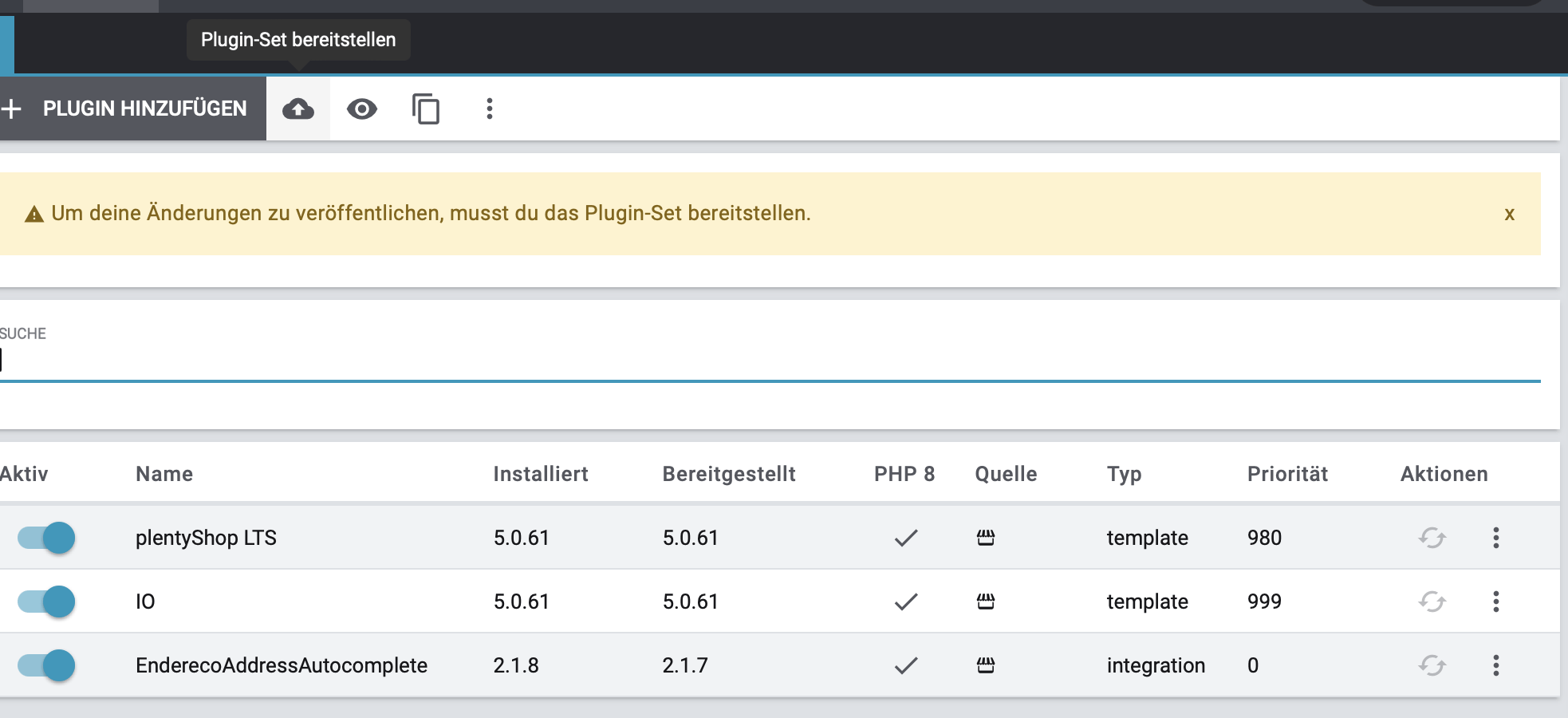
Note: Pay attention to the correct priority of the plugin to avoid a malfunction.
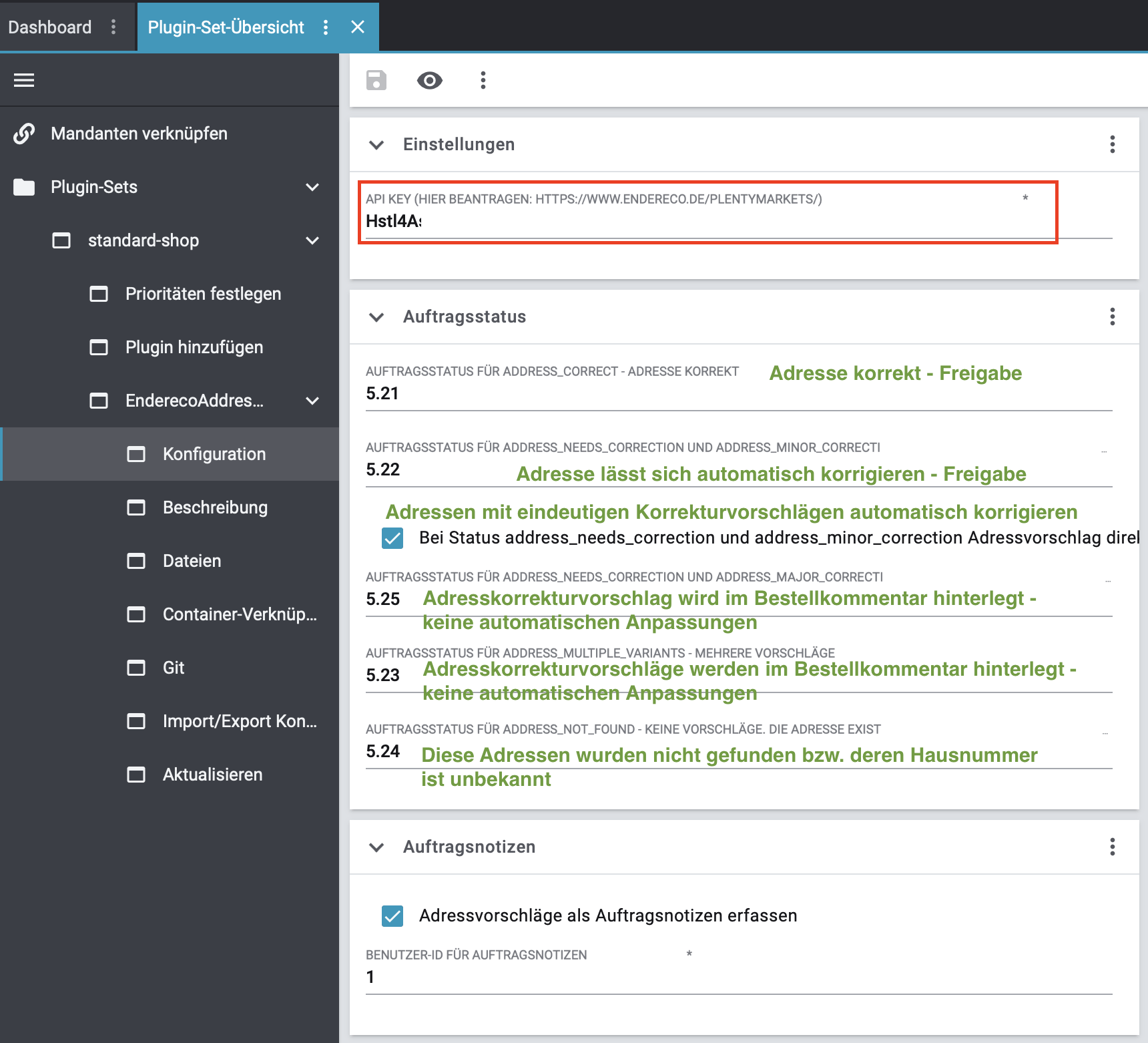
Configuration of the target status IDs for the results of the checks
Configuration of the trigger to initiate an address check:
The endereco status IDs can now be viewed under Settings -> Orders -> Order status. If not already done, the endereco address check status must now be created. All orders that are set to this status are sent to the endereco API and checked there. Depending on the result of the check, they are then assigned a corresponding target status and commented on or automatically corrected in the order notes according to the configuration.
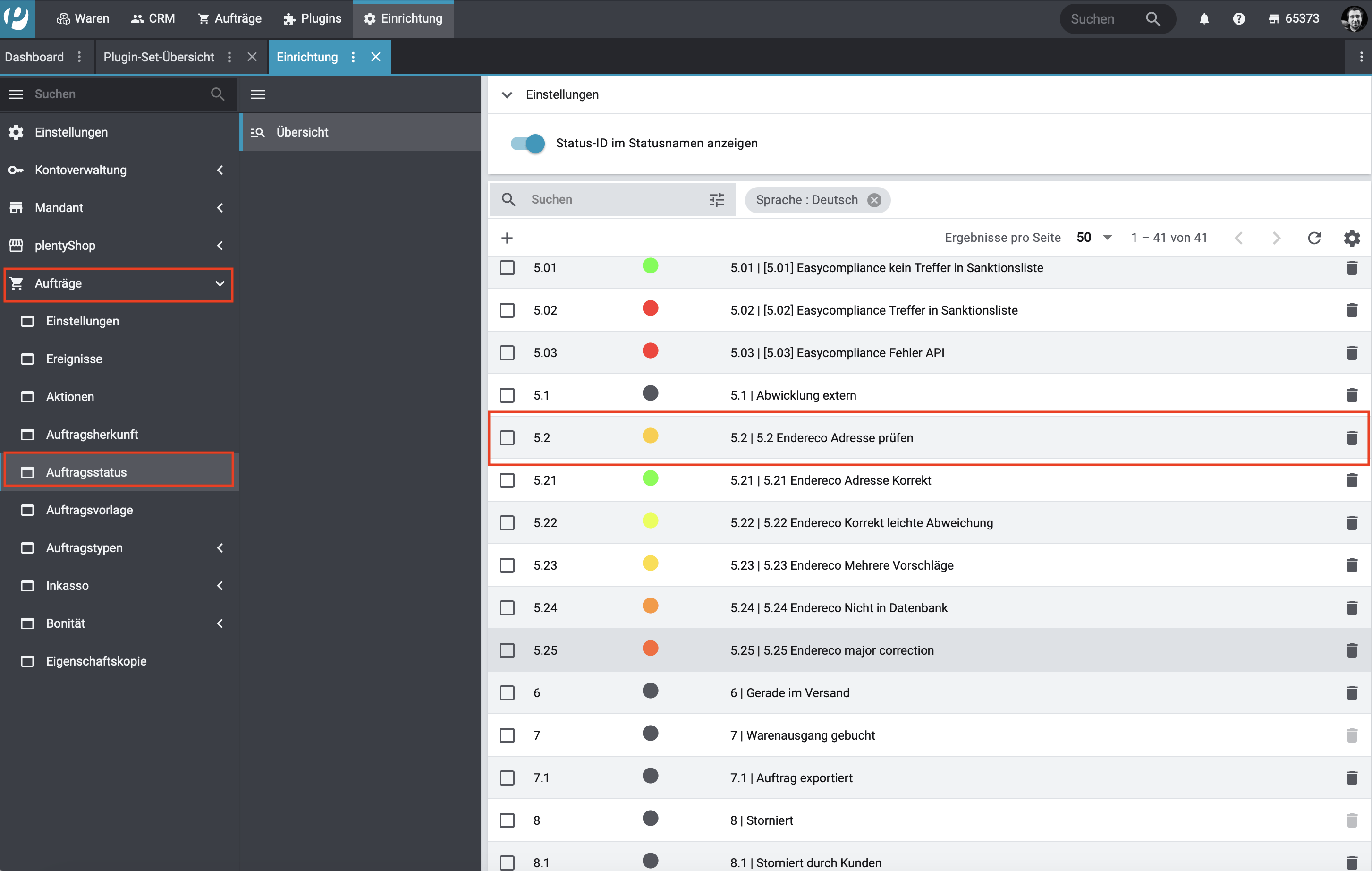
Trigger address verification only under specific conditions:
Under Orders -> Events - Status change -> endereco address checks, filters can be defined that only allow checks under certain conditions.
If, for example, an order has already been checked in the web store, it can now be excluded from the check so that no double checks have to be initiated.
For example, via the payment methods.
PayPal Express or Amazon Pay orders are not validated. Other payment methods such as prepayment are.
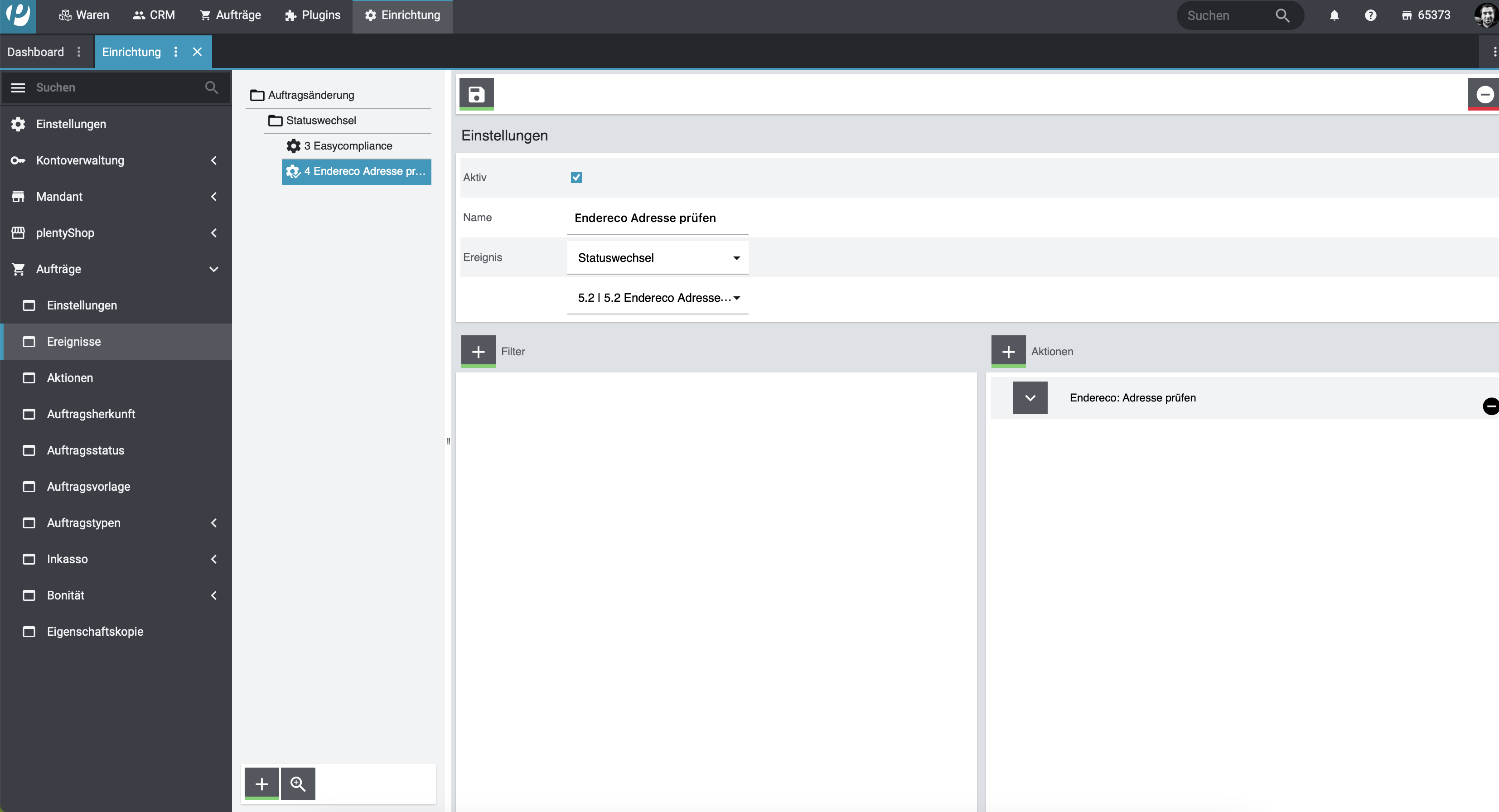
Conditions can now be defined using the PLUS icon next to the filter:

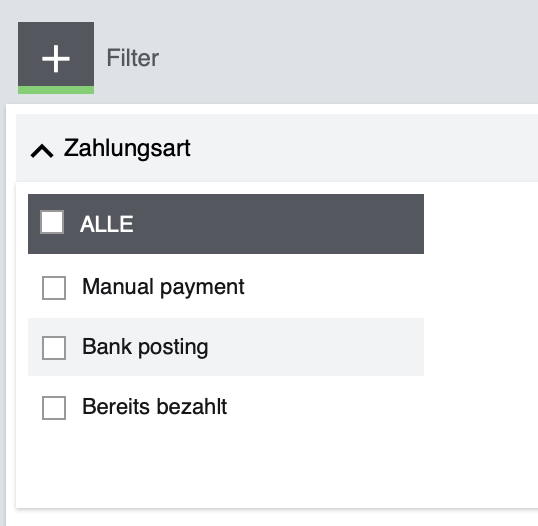
This should make it possible to limit the tests to individual conditions.
Creating the initial order status for the endereco address check: #
Setup menu » Orders » Order status
Execute the search to display all stored order statuses
Click on „Create new status“ (add).
You then have the option of selecting „Check endereco address“ as the action for an order type and setting the status to Active. Please note that an event change must be set to „the defined status for checking an address", as shown in the screenshot.
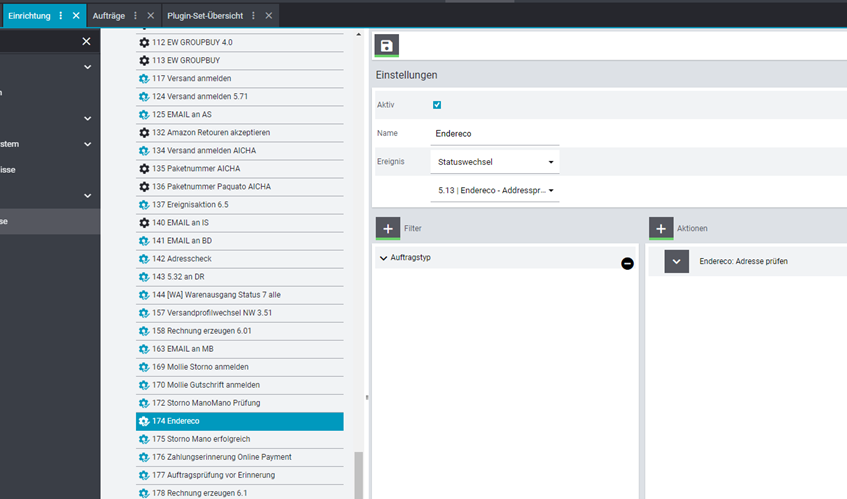
Finished
If you now set an order to the defined status, it is checked by our API and set to one of the defined target statuses.


